

New ballots opened for HL7 Europe Base and Core FHIR Implementation Guides
Brussels, 5 January 2026 – HL7 Europe opened a new round of ballots for its Base and Core FHIR Implementation Guides. Anyone is invited to submit comments (instructions below), but per HL7 Europe’s rules only HL7 Europe affiliates may cast official ballot votes. The deadline for ballots and comments is 31 January 2026. The guides under ballot include:
- HL7 Europe Base & Core FHIR IG (R4) – STU2 Ballot
Implementation Guide: https://hl7.eu/fhir/base/2.0.0-ballot/
Cast vote (only for affiliates): https://confluence.hl7.org/x/qpqhG - HL7 Europe Base & Core FHIR IG (R5) – STU2 Ballot
Implementation Guide: https://hl7.eu/fhir/base/2.0.0-ballot/
Cast vote (only for affiliates): https://confluence.hl7.org/x/tZqhG
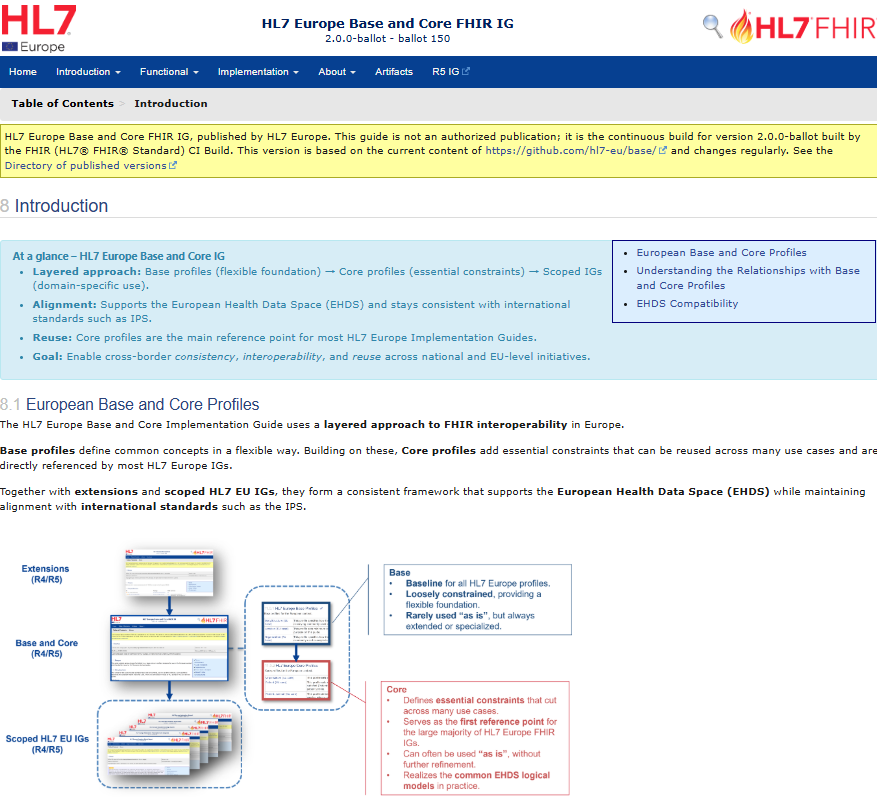
The HL7 Europe FHIR Base and Core IG is a foundational set of FHIR profiles that provide a consistent framework for healthcare data exchange across Europe, supporting the European Health Data Space (EHDS) by defining reusable ‘Base’ (flexible) and ‘Core’ (more constrained) profiles for common elements, ensuring interoperability while aligning with international standards like the International Patient Summary. The version 2.0.0 has been developed with the support of the Xt-EHR Joint Action, which provided expertise and alignment with European health policy priorities.
This STU2 version 2.00 represents a major update of the HL7 Europe Base and Core FHIR IGs and includes:
- New profiles for: Flag (Alert), AllergyIntolerance, Condition, Procedure, Medication, MedicationStatement, MedicationRequest, Immunization, Composition, DiagnosticReport, and Observation (Generic Medical Test Results)
- Updated references to the latest published Xt-EHR logical models
- New Model-to-Profile maps
How can you comment?
- Go to https://jira.hl7.org/
- (Register for a free user account, authenticate…)
- When in, click on “Create” and in the following issue interface with drop-down lists…
- Under “Project” select “FHIR Specification Feedback” (default choice)
- Under “Issue type” select change request, then Technical correction, question, comment…)
- Under “Specification” type “EU” and select the relevant IG
- Then enter your comments; add relevant attachments if applicable
- In the end, don’t forget to click “Create”
For a full set of instructions go to https://confluence.hl7.org/x/4AAkAQ